1- Log into CPanel by following the steps described here (access to the cPanel).
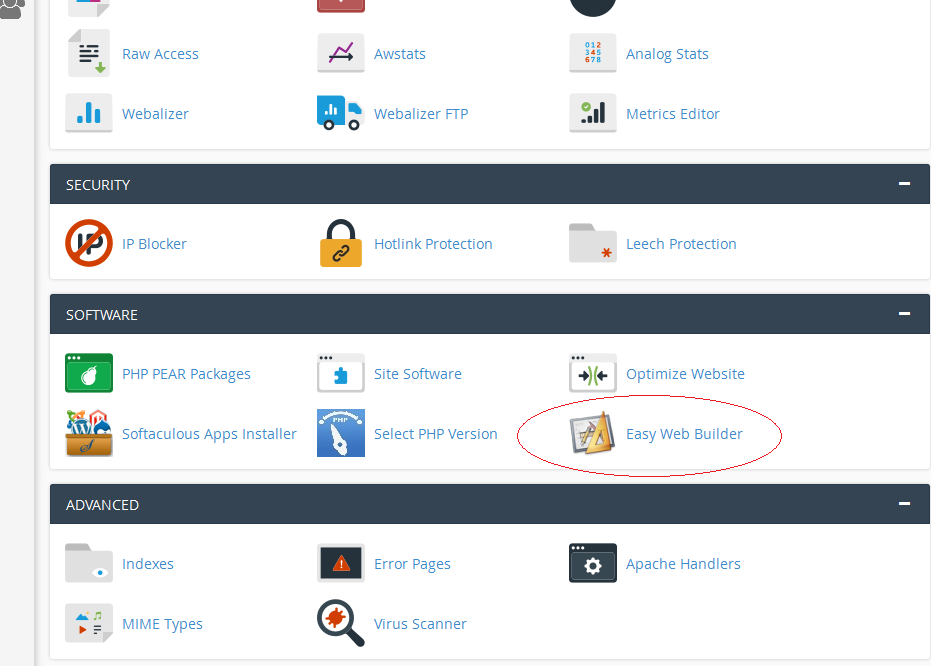
2- In the lower part of the screen, under "Software ", click on the "Easy Web Builder" icon.
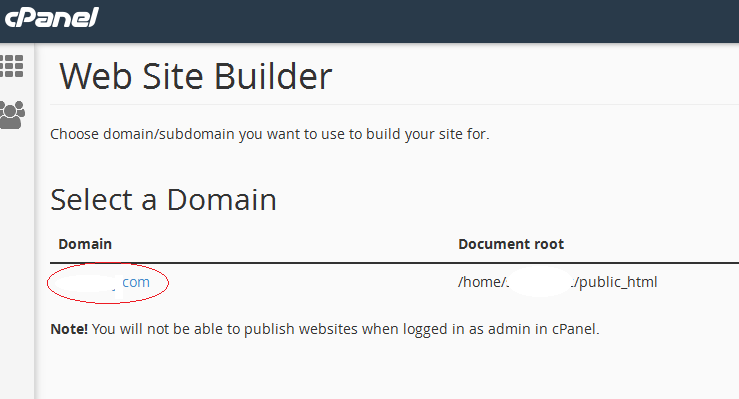
3- Choose domain/subdomain you want to use to build your site for.
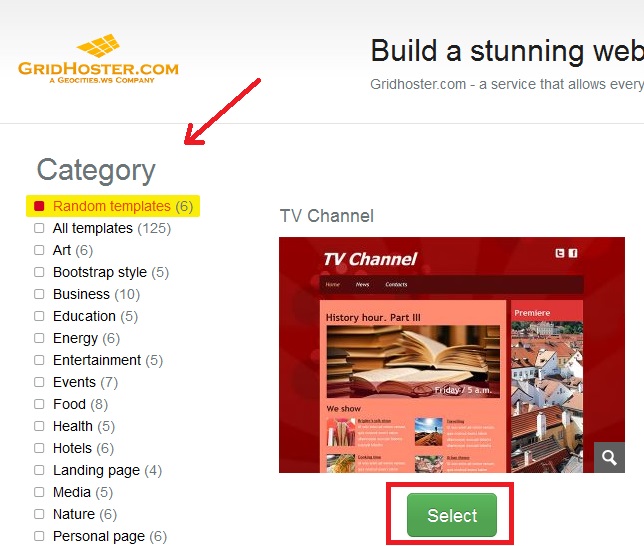
4- Choose between 1000 ready-to-use templates.
5- Follow the Builder steps and start editing your web site.
2)
3)
4)
5)